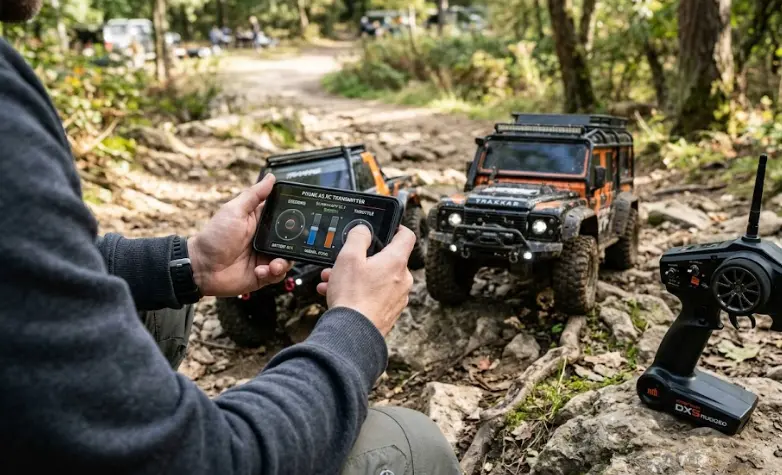
Phone as an RC Transmitter and Receiver: What Changes in Real Use
Phone as an RC transmitter and receiver sounds like it should be a pretty simple setup. Your phone already has Bluetooth, Wi-Fi, a touchscreen, and more computing power than an RC transmitter needs for basic control. Plenty of cheap RC cars already use phones this way, too.
So why does it start feeling awkward as soon as you try it with something better than a cheap toy-grade truck? The reason is pretty simple: a phone and a hobby-grade transmitter may both send commands to an RC car, but they aren’t really designed for the same kind of driving.
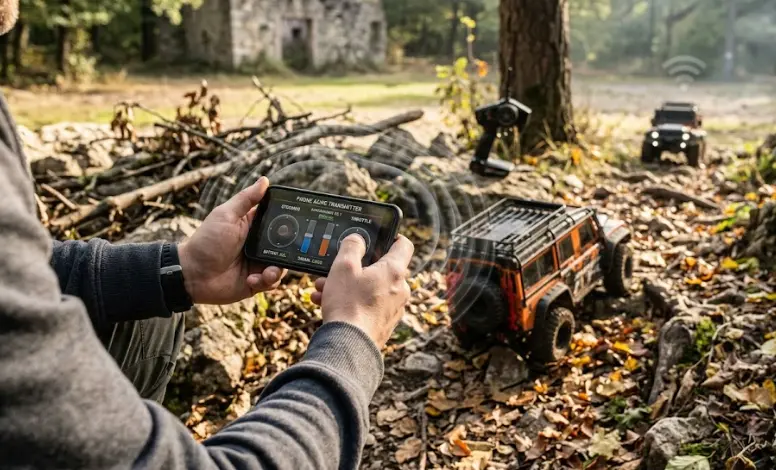
What happens when you actually use your phone to drive an RC car
Most phone-controlled RC cars use Bluetooth Low Energy or Wi-Fi to connect the phone to a small receiver in the car. That part works fine for low-speed, short-range stuff. Toy-grade cars, simple drones, and some budget RC boats are where this setup makes the most sense. You usually aren’t driving them far enough or fast enough for the limitations to become a big problem.
The first thing you’ll probably notice is the delay. A dedicated 2.4GHz transmitter and receiver is built for one thing: getting your stick input to the car quickly and consistently. Bluetooth can work perfectly well for basic control, but it isn’t trying to do exactly the same job as a dedicated RC radio system.
Sometimes the delay is barely noticeable. Other times, especially when there are a lot of wireless devices around, you can feel it. If you’re driving slowly in the driveway, you probably won’t care. Start driving a fast truck, though, and things change pretty quickly. A little delay can be enough to miss a correction and send the truck into a curb.
Range is another thing that’s easy to overlook. A phone-controlled car might have a decent range listed on the box, but real-world use can be different. Your backyard isn’t an empty testing area. There may be walls, trees, Wi-Fi routers, and plenty of other wireless devices around. A dedicated 2.4GHz RC system is simply built with this kind of use in mind. That’s one reason it tends to feel more dependable when you’re driving farther away or dealing with interference.
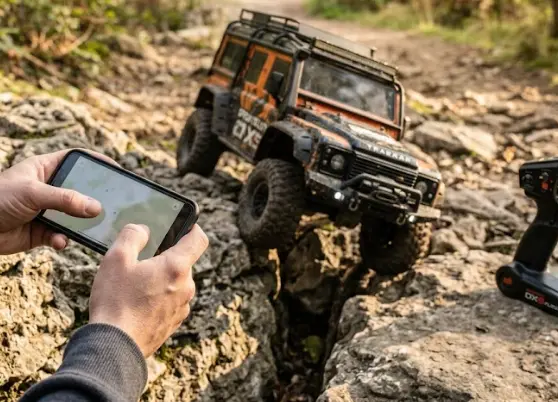
The touchscreen is convenient until you actually start driving
The stick-and-trigger layout on a real transmitter isn’t just tradition. With physical sticks, you can feel where your thumb is without looking down. After a while, you get a pretty good idea of how much throttle you’re giving just from the position of the stick.
A touchscreen slider or virtual joystick just doesn’t give you the same feedback. And that’s the annoying part. You may find yourself looking down at the phone to see where your thumb is instead of watching the car.
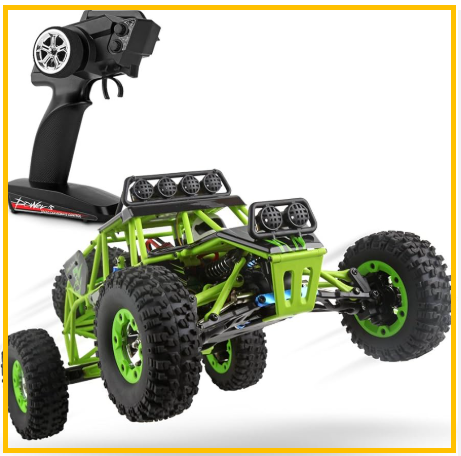
You’ll notice this much more with a crawler or a truck where small throttle changes matter. Crawling over rocks is a good example. So is trying to squeeze through a narrow gap without hitting anything.
When using your phone actually makes sense
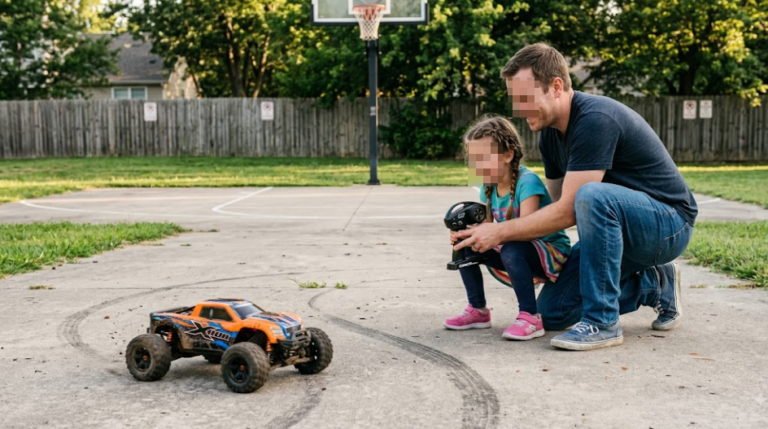
That doesn’t mean using a phone is a bad idea. For casual driving around the backyard, it can actually be pretty convenient. It’s also a decent way to let a kid try RC controls before giving them a proper transmitter. With a cheap car or small toy-grade boat, you’re probably not going to worry too much if something goes wrong.
For some people, that’s all they need. For others, the phone eventually starts feeling limiting. That’s usually when a dedicated transmitter starts to make more sense.
Before you decide which setup to use, it’s worth understanding how the transmitter and receiver actually communicate.
I covered that part in more detail here: RC transmitters and receivers explained.
So, depending on what you’re driving, a phone can be perfectly fine to start with. But once you start driving faster, going farther, or trying to make more precise inputs, you’ll probably notice why people eventually move to a dedicated transmitter.