
Best Drone for Content Creators in 2026
Best Drone for Content Creators
I almost didn’t buy this drone because I already had two collecting dust in my closet, and I told myself I was done throwing money at “the next big upgrade.” I’d been burned before by drones that looked incredible in the marketing photos and then choked the moment I actually needed usable footage for a paying client or, honestly, just a decent Reel. So when the DJI Air 3 showed up on my radar with a price tag that made me wince a little, I sat on it for almost three weeks before caving.
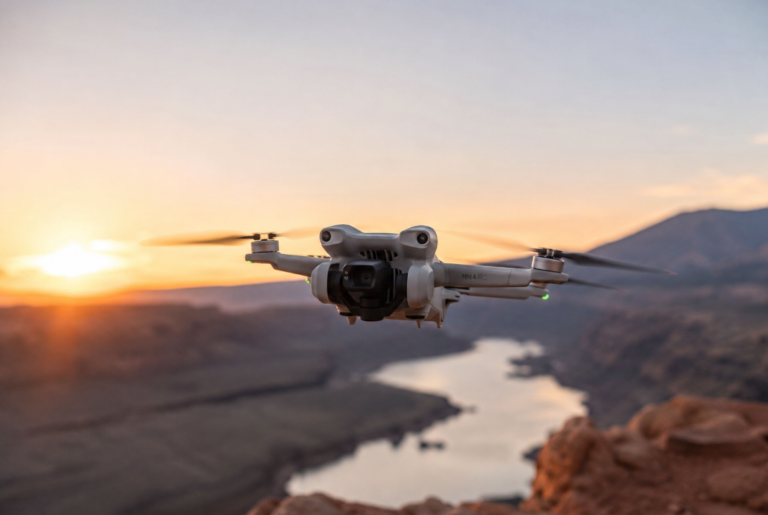
I’m not sitting on the fence anymore. This thing has become the one piece of gear I genuinely reach for every single time I have a shoot day, whether that’s a branded content job or just me trying to get a decent overhead shot of my daughter running through sprinklers in the backyard. Here’s exactly how a typical shoot day with this drone goes, specs and all, so you can decide if it deserves a spot in your bag too.

My Morning Setup Before the Shoot
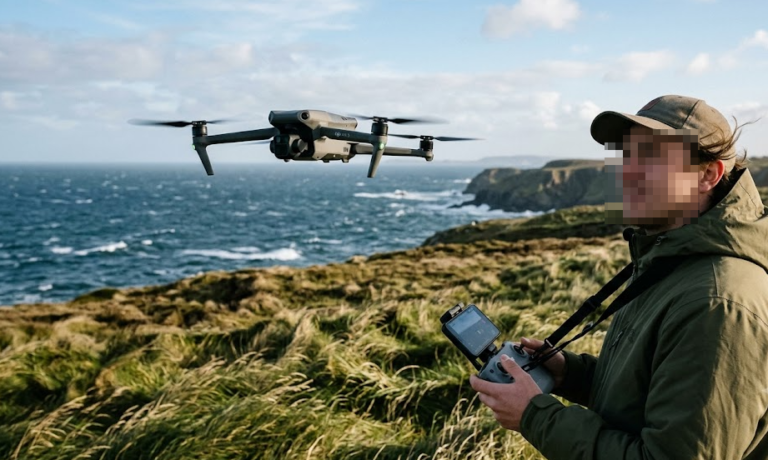
My shoot days start earlier than I’d like, mostly because good light waits for nobody. I usually get to the location around six thirty, coffee in one hand, gear bag in the other, and the first thing I do is check the wind. This drone handles a level five wind resistance rating well enough that I don’t panic the way I used to with my old lightweight quad, but I still check because no camera gimbal fixes a drone that’s fighting a gust the whole flight.
Unpacking takes about ninety seconds. The arms fold out, the props snap on, and I’m doing a firmware check on my phone while the batteries finish their pre-flight balance check. One thing that quietly changed my whole workflow is the dual battery charging hub. I used to stand around waiting for one battery to trickle charge while the sun climbed higher and my golden hour window shrank. Now I charge two at once and I’m airborne with enough juice for a real block of shooting instead of a rushed ten minute window.
By the time I’ve got my monitor brightness dialed in and my SD card formatted, maybe fifteen minutes have passed. That’s the whole setup. No tripod calibration circus, no firmware update taking twenty minutes because I forgot to do it the night before.

Best Drone for Content Creators – Putting It Through a Real Shoot Day
Footage That Actually Looks Cinematic Without Extra Work
The dual primary camera system is the part that actually sold me, not the marketing copy. You get a standard wide shot and a three times medium tele camera, and switching between them mid flight without losing framing quality is the difference between footage that looks like a hobbyist flew it and footage that looks like it belongs in a commercial. I flew a coastline shoot last month where I needed a slow reveal from a tight compressed shot of a lighthouse pulling back into a wide establishing frame, and I got it in one pass instead of stitching two separate flights together in the edit.
Color science matters more than people admit when they’re comparing spec sheets. The 10-bit D-Log M footage holds up shockingly well when you’re grading in a program like DaVinci Resolve, especially in tricky lighting like the harsh midday sun I fought through on a rooftop shoot in July. Highlights didn’t blow out the way they used to on my older gear, and I actually kept detail in the sky instead of clipping it to a flat white mess.
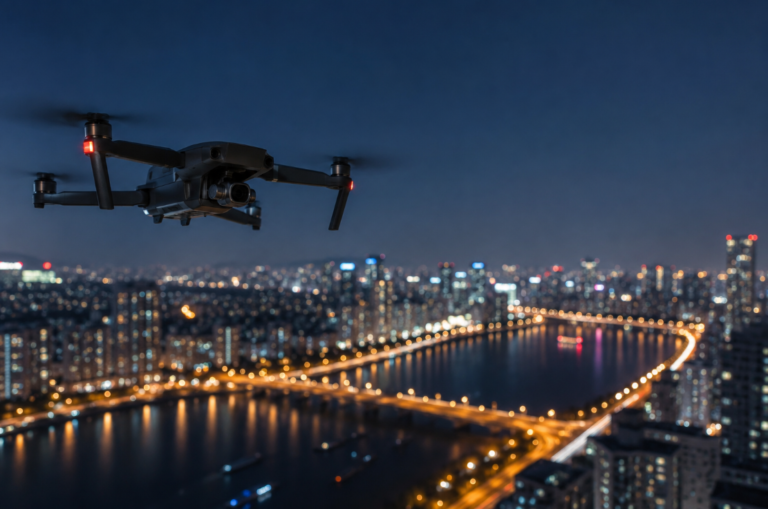
If you want a deeper breakdown on getting usable footage after the sun goes down, I actually wrote a whole piece on shooting stunning night drone footage after a shoot that humbled me pretty badly the first time I tried it.
Battery Life When You’ve Got Back-to-Back Bookings
Here’s where the day-in-the-life stuff really matters. A rated 46 minute max flight time per battery sounds great on a spec sheet, but real world flying with active tracking, camera repositioning, and hovering for the perfect shot eats into that fast. In practice I’m getting closer to thirty five minutes of genuinely usable flight time per battery, which still means I can knock out three separate setups across a single morning without ever feeling rushed.
The omnidirectional obstacle sensing earns its keep here too. I was flying between two buildings downtown chasing a specific reflection shot, and the sensors caught a power line I genuinely did not see until the drone flagged it and adjusted its path. That’s not a hypothetical safety feature, that saved actual footage and actual money that day.
Packing Up Without the Usual Headache
By early afternoon, light gets flat and harsh, so I’m usually wrapping up and packing away by one or two. This is honestly where a lot of drones fall apart for people who travel for work, because bulky rigid cases are a pain when you’re also carrying a camera bag, a laptop, and whatever else the job requires.
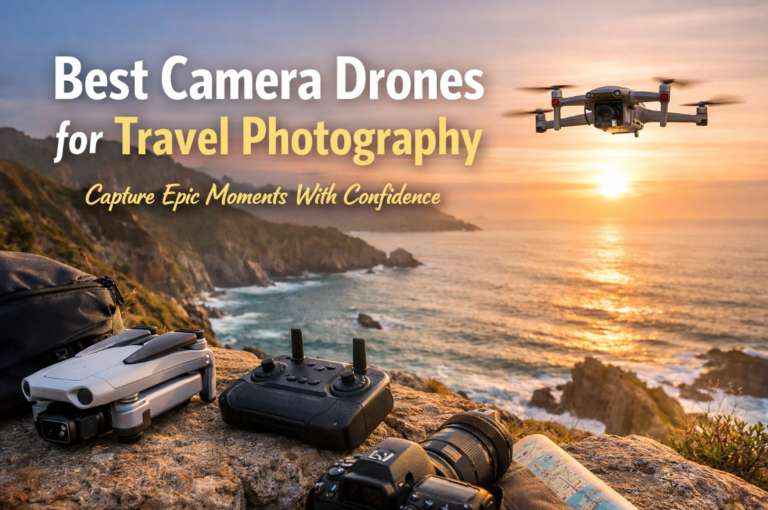
The fold-flat arm design means the whole unit collapses down to roughly the size of a water bottle, and it slides into a dedicated slot in my backpack without me needing a separate hard case at all. If portability is the deciding factor for you the way it was for me, I actually put together a full comparison of foldable drones that are genuinely worth packing after testing a handful of them side by side over a few months.
Wiping down the props, popping the battery out to cool, and zipping everything back into the bag takes maybe five minutes. No fuss, no forgetting a random cable at a location three states away.
Why This Beats Other Drones I’ve Tried
Camera and Stabilization
The three axis mechanical gimbal is doing serious work here. Even in gusty conditions, footage comes out buttery smooth without that subtle jello effect you sometimes get from drones relying too heavily on digital stabilization to fake it. For anyone shooting talking head style content from the ground while the drone hovers in the background, that stability difference shows up immediately on a monitor.
Flight Time and Charging Speed
Beyond raw flight time, the charging hub design changed how I plan entire shoot days. Two batteries charging simultaneously in about an hour means I’m not building my schedule around downtime anymore. That’s a bigger deal than it sounds when you’re billing a client by the hour or trying to squeeze a family outing in before your daughter’s nap window closes.
A Few Things I Wish I Knew Before Buying
Nothing is flawless, and I’d rather tell you the rough edges than pretend this drone is perfect. The companion app occasionally lags behind on firmware update notifications, so I’ve learned to manually check before every shoot rather than trust the push notification. Also, in direct comparison to more expensive flagship models, low light performance is good but not miraculous, so if most of your content lives in dim indoor venues, manage your expectations accordingly.
Is This Drone Actually Worth It for Content Creators
For anyone building a content business around travel, real estate walkthroughs, events, or just elevating their personal brand with better b-roll, this drone earns its price tag through sheer reliability across a full working day rather than flashy specs that don’t hold up outside a controlled demo. It’s the difference between a tool you fight with and a tool that just works while you focus on the actual creative decisions.
I went from almost not buying it to recommending it to three other creator friends within a month. That’s usually a pretty good sign.