Drone Flips Over Immediately on Takeoff: How to Fix It
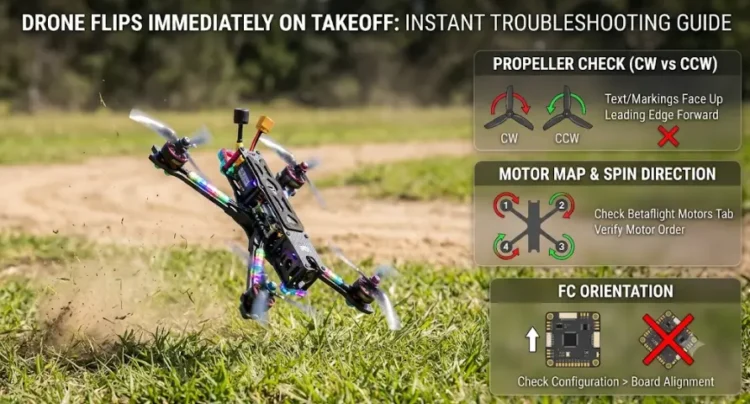
You arm the quad, add a little throttle, and it rolls onto its back before it clears the floor. That is often a setup mismatch rather than a dead part. Oscar Liang’s takeoff troubleshooting guide traces it to configuration and calls faulty components rare. The first things to rule out are the prop placement, the motor direction, the motor order and the flight controller orientation.
Take the props off before any step that spins a motor on the bench. That applies to everything below except the first section.
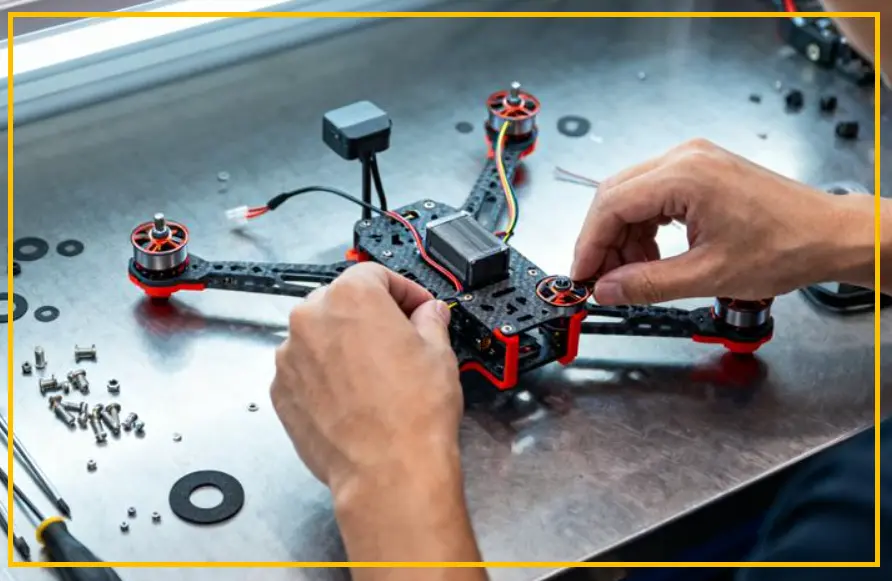
Are the Props on the Right Motors?
With “Motor direction is reversed” switched off in Betaflight Configurator, which is the default and is called props in, the props go on as shown in Oscar Liang’s diagram. He suggests beginners leave the option off to avoid confusion. Props out turns every motor the other way, and BETAFPV’s props out guide explains how that setup is built.
A clockwise prop on a counterclockwise motor can look fine at a glance. On each blade, the raised edge should be the one that meets the air first as the prop turns. Check that no prop is upside down too: the top side tends to be glossy, with small model numbers near the hub, and the underside is matte.
Hold each motor bell and try to turn its prop. A loose prop nut gives you a motor that produces little or no lift, and that alone can tip a quad over.
How I’d Check Motor Direction
With the props off, plug in the battery and open the Motors tab in Betaflight Configurator. Click “Motor Direction” under the quad image and follow the wizard. Without the wizard, you can touch a fingertip lightly to a spinning motor bell and feel which way it drags your finger.
For props in, Oscar Liang’s guide lists motors 1 and 4 as clockwise and motors 2 and 3 as counterclockwise. Props out is the opposite. I’d compare against the arrows on the diagram in your own Motors tab rather than trust numbering from memory, since the diagram is what your firmware version will actually use.
If a motor spins the wrong way, you can fix it with the wizard, by swapping any two of its three motor wires, or in the ESC configuration.
Do the Motor Numbers Match the Diagram?
Still in the Motors tab, tick the “I understand the risk” box and raise one slider at a time. The motor that spins should be the one in the matching position on the diagram.
This matters because the flight controller corrects a tilt by speeding up motors on the low side. If the signal for motor 1 is actually driving motor 2, it speeds up the wrong corner and makes the tilt worse.
The “Reorder Motors” wizard, under the quad image, is the quickest fix. You can also swap the ESC signal wires on the flight controller, or remap the motor outputs from the CLI.
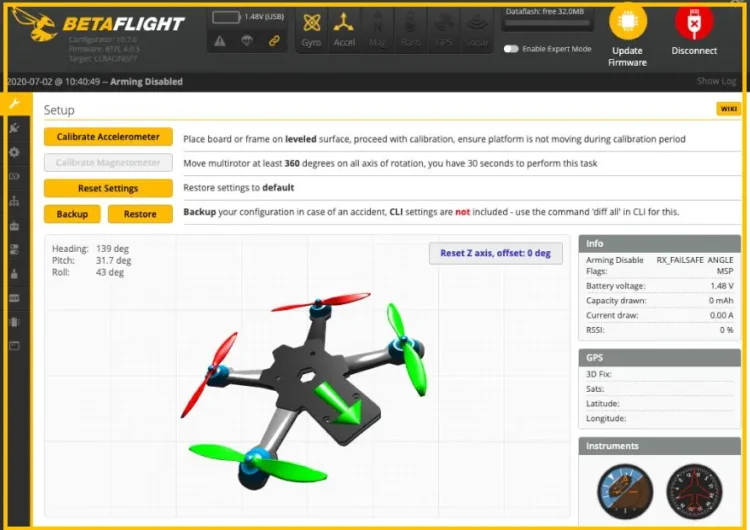
Could the Flight Controller Orientation Be Off?
Betaflight’s documentation says the firmware has to know how the board sits relative to the frame. If it doesn’t, the PID controller misreads the quad’s attitude, which leads to unstable behavior and flyaways.
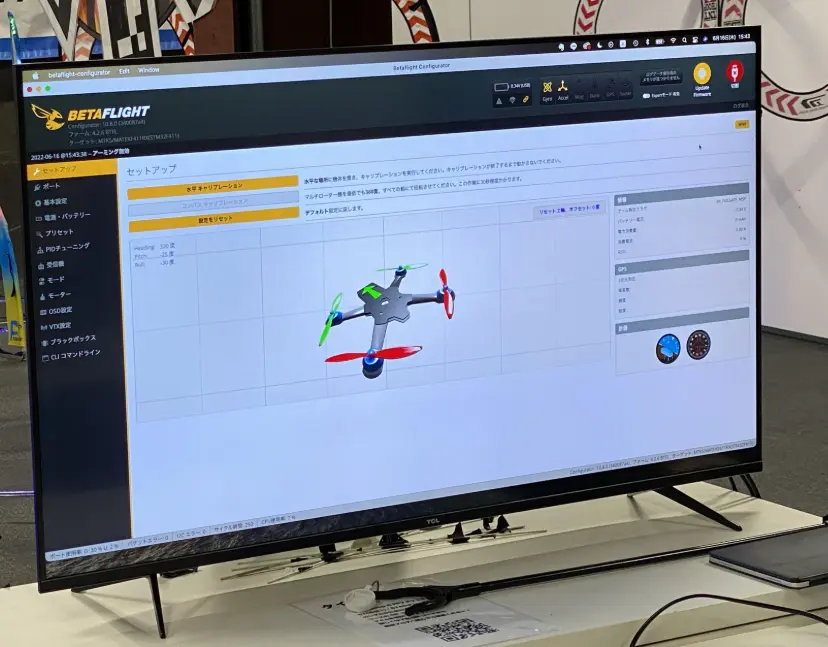
Connect the quad and open the Setup tab. Tilt it by hand on roll, pitch and yaw. The 3D model should follow every movement. If the model doesn’t move at all, check that the accelerometer is enabled in the Configuration tab.
If the model moves the wrong way, either rotate the board in the frame or change the values under “Board and Sensor Alignment” in the Configuration tab. Oscar Liang says the “Yaw Degrees” field is often the only one that needs changing, and that 0, 90, 180 or 270 will typically do it. Roll or pitch may need correcting as well if the board is mounted upside down. He also advises leaving the GYRO and ACCEL alignment options alone.
Save, go back to the Setup tab, and tilt the quad again.
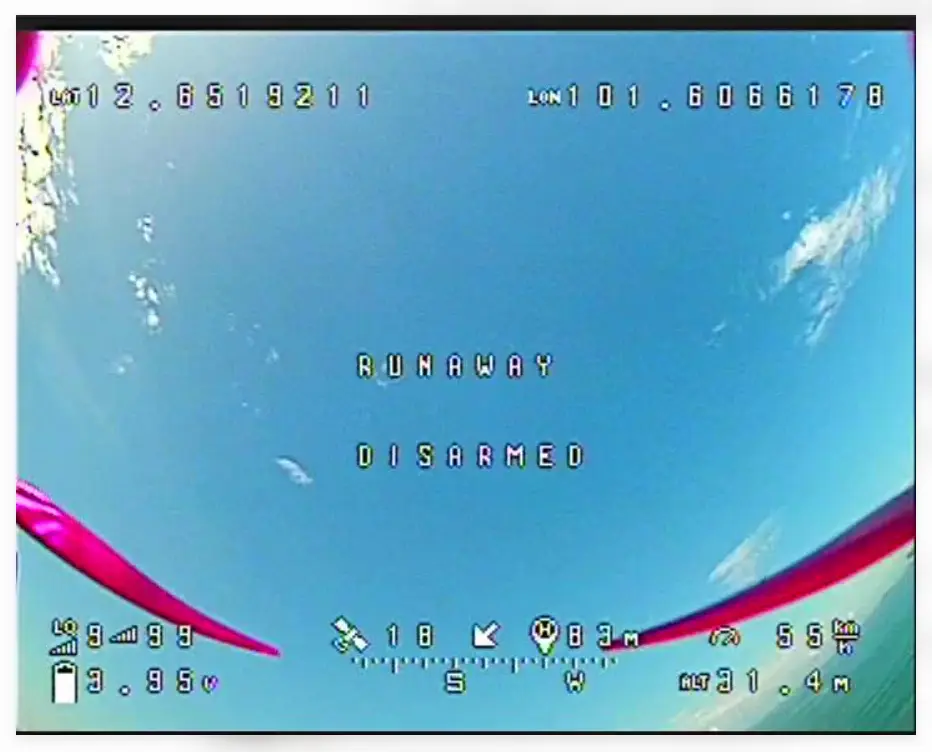
What Runaway Takeoff Prevention Is Doing
If the quad lifts for a moment and the motors cut out, that may be Betaflight’s Runaway Takeoff Prevention. It watches for an unsafe PID response on the first takeoff after power-up and disarms when it sees one. It has been on by default since Betaflight 3.3.
A one-long, one-short beep pattern signals the event, and “RUNAWAY” appears as the arming disabled reason in the OSD and CLI. The arming safety page says disarming clears the condition. While you’re connected to the configurator the feature is temporarily off, so bench tests with the props removed won’t show it.
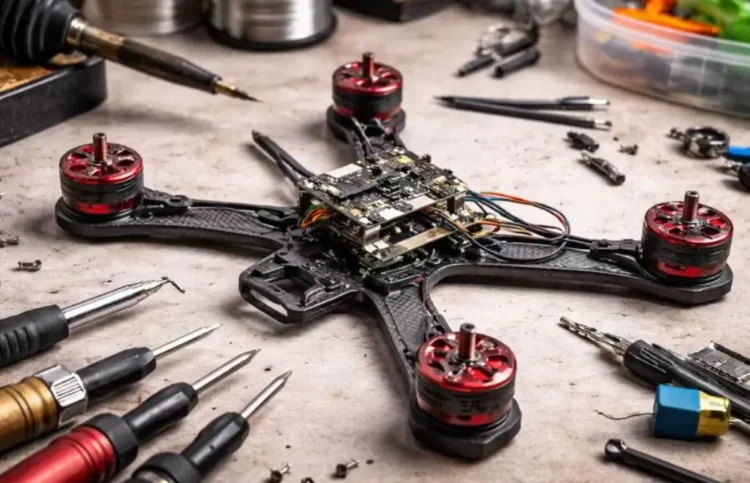
If the Basics Check Out
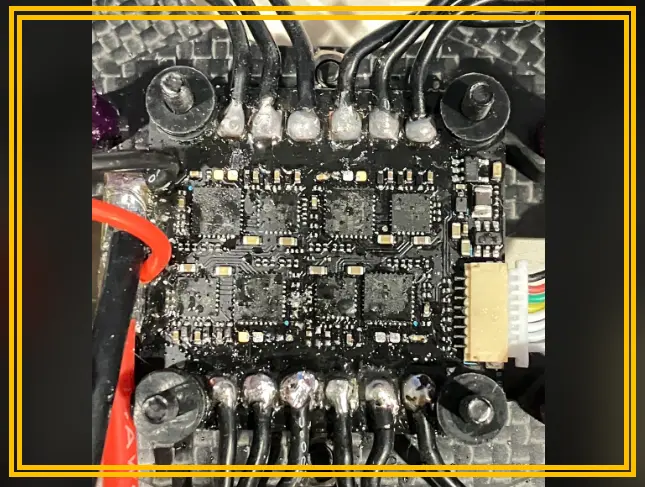
- Motor screws: a screw that is too long can touch the motor windings and short the motor. Oscar Liang notes the motor may spin up normally on arming and the quad can still flip as it tries to lift. His guide to checking motor screws shows how to look.
- Turtle mode: if the quad ignores throttle but flips when you move pitch or roll, check that “Flip Over After Crash” isn’t active. With the OSD warning enabled, “CRASH FLIP” would appear on screen.
- Acro mode: Angle and Horizon modes use the accelerometer, and an uncalibrated one can make the flight controller misbehave on takeoff. A test hop in Acro mode takes the accelerometer out of the picture.
- Motor or ESC swap: if the quad always flips toward the same side, swap that motor with another one on the same quad. If the problem follows the motor, you have found it. If not, repeat the swap with the ESC.
Check out these related posts:
- Drone Battery Won’t Balance Charge: One Cell Stuck Low
- Drone Flips Over Immediately on Takeoff: 4 Causes and Fixes
- FPV Drone ESC Smoke When You Plug In the Battery: What to Check First
- One Drone Motor Getting Hot? Here’s What to Check First
A Couple Things That Aren’t So Obvious
The “Motor direction is reversed” switch in Betaflight tells the firmware which way you’ve set the motors to turn. It doesn’t change how they spin. BETAFPV’s props out instructions set the motor direction first, in the ESC configuration, and then turn the switch on.
The “Reset Z axis” button in the Setup tab re-centers the 3D model on screen. It doesn’t save a new alignment, so a model that points the wrong way after pressing it still needs the Board Alignment fields.
A clean pass in the Motors tab doesn’t clear a motor either. The screw problem above is one way a motor can spin smoothly on the bench and still fail under load. If the quad keeps rolling toward the same corner after the settings are ruled out, that corner’s motor and ESC are worth a closer look.
Sources: