Drone Drifts to One Side After Gyro Calibration? Check the Accelerometer
If your drone drifts to one side after gyro calibration, the gyro is probably not the sensor to blame. The gyro measures how fast the drone is rotating, not whether it is level. In Angle or Horizon mode, the flight controller judges “level” mostly from the accelerometer, so that is the first place to look. Past that, the usual suspects are vibration, a flight controller that sits slightly tilted in the frame, and a battery that doesn’t sit centered.
The sections below go in roughly the order I’d check them, starting with the cheapest.
Why Gyro Calibration Doesn’t Change the Drift
Picture the usual routine: you recalibrate the gyro, set the quad on the bench, and take off in Angle mode. It still creeps left, or forward, or toward the back-right corner, and calibrating again changes nothing.
That makes sense once you separate the two sensors. The gyro reports angular velocity, how quickly the drone is turning. It has no idea where the ground is. The accelerometer measures acceleration, including gravity, which is what lets the flight controller estimate which way is down. Angle and Horizon modes use that estimate to hold the drone level. Acro mode relies on the gyro alone and has no self-leveling, so a drone that drifts only in Angle mode points at the accelerometer side of things.
PID tuning is an unlikely fix here. PID values shape how hard and how quickly the drone corrects, and they don’t redefine what the flight controller treats as level.
Do You Need to Recalibrate the Accelerometer?
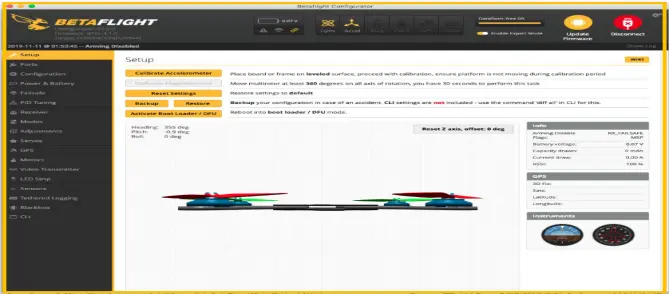
An incorrect accelerometer calibration is the first thing to check, especially if the quad was calibrated on a tilted surface or moved during calibration.
- Put the drone on a surface you’ve checked with a bubble level. A glass pane or a concrete floor that you’ve actually measured works better than a table you’re assuming is flat.
- Open the Setup tab in Betaflight Configurator and run the accelerometer calibration.
- Leave the drone alone until it finishes.
If you have no laptop at the field, Betaflight also has a stick command for accelerometer calibration: throttle up, yaw left, pitch back, per the Betaflight stick command list on Oscar Liang’s site. That page notes the command is useful when you can’t calibrate on a bench with the configurator.
After calibrating, take off in Angle mode again. Drift that shrinks but doesn’t disappear is a good sign that the next step will finish the job.
Can You Trim the Drift Out With Stick Commands?
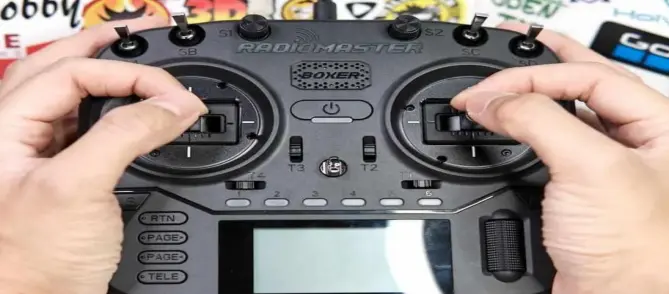
Betaflight lets you nudge the accelerometer’s idea of level directly from the transmitter. The Betaflight controls reference lists the combinations. In short, with the drone disarmed:
- Push the throttle stick all the way up and keep yaw centered.
- Tap the pitch or roll stick to nudge the trim. Pitch forward and pitch back trim the front/back axis, and roll left and right trim the side-to-side axis.
- Fly again and check the result.
Make small trim adjustments and test the result after each change. If the drift gets worse, reverse the adjustment. Confirm the correct trim direction for your Betaflight version before making larger corrections. One of the guides I came across suggests the same direction, and a forum answer describes it as pushing opposite to the way the drone is moving. If the drift gets worse, you went the wrong way, so go back the other way. Make a few small taps between test hops rather than one big correction.
If the stick commands do nothing, check your stick endpoints. In one IntoFPV forum thread, a pilot’s trim commands only worked again after throttle center was set back to 1500. The Receiver tab should show roughly 1000 at low, 1500 at center, and 2000 at high. Radio subtrim can also add a constant stick offset that looks like drift, so confirm every stick reads 1500 at rest.
Some versions need the trim saved with the save stick command (throttle low, yaw left, pitch back, roll right on the Betaflight list) before it survives a power cycle. Check on yours whether the value stuck.
Check out these related posts:
- Drone Flips Over Immediately on Takeoff: How to Fix It
- Drone Battery Won’t Balance Charge: One Cell Stuck Low
- Drone Flips Over Immediately on Takeoff: 4 Causes and Fixes
If Your Drone Still Drifts After the Accelerometer Is Fixed
Vibration and damaged props
A bent prop or a loose motor can send high-frequency noise into the accelerometer, which affects the level estimate. If a quad seems fine right after takeoff and drifts more as the flight goes on, vibration deserves a closer look. Replace any prop with a nick or bend, tighten the motor screws, and spin each motor by hand to feel for roughness. Check the soft-mount grommets under the FC too. They shouldn’t be crushed flat, and over-tightened screws can stiffen the mount.
Is the flight controller sitting level?
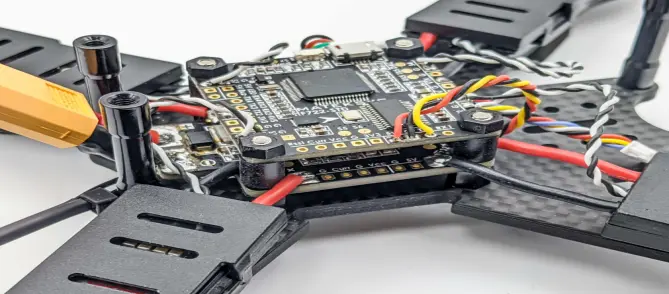
If the board is tilted physically, calibrating on a level bench just teaches the drone that a tilted board is level. A battery cable pulling on one side of the FC, a standoff that is slightly longer than the others, or a board that has flexed can all do this. Look at the FC from the side, and move the cables away from it to see whether anything changes.
Betaflight also has Board and Sensor Alignment settings for a known, fixed offset. They help when the mounting angle is deliberate, but a bent mount is better corrected physically.
Battery position and center of gravity
If the battery sits a few millimeters off center, the motors have to work unevenly to keep the drone level, and that can read as a steady pull in one direction. Mark the battery position on the top plate with a strip of tape so it goes on in the same place every time, and see whether the drift follows the battery.
Consumer and camera drones
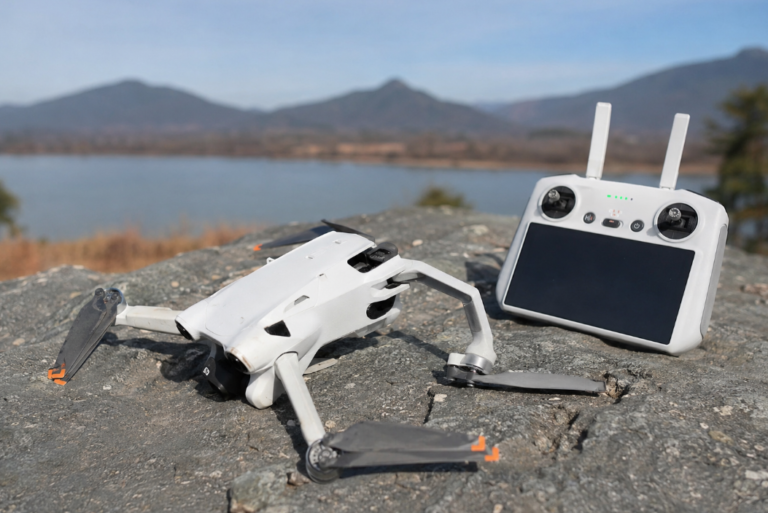
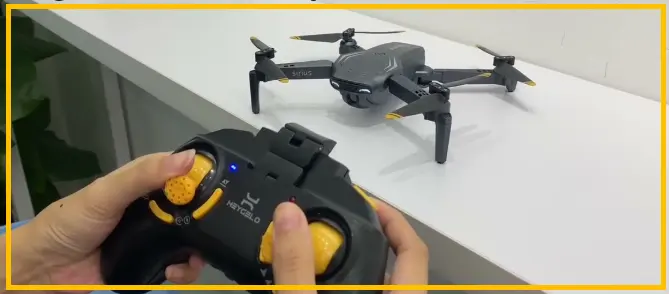
On a DJI-style drone or a toy quad, there’s no Betaflight Configurator, but the same idea holds. The app usually has an IMU calibration, and it needs a level surface too. The menu names differ by model, so use the manufacturer’s instructions for the exact steps.
Where to Go From Here
Acro-only pilots can run without the accelerometer entirely, and some turn it off in Betaflight so a poor level reference can’t matter. That removes Angle and Horizon modes, so it only suits you if you never fly them.
For everyone else, the order that saves time is calibrate the accelerometer on a leveled surface, trim with the sticks, then go through props, board mounting, and battery position. If the drift shows up only after a crash, the board or a motor mount is worth looking at before any settings.